Etsy printable wall art sizes: ratios, pixels and file limits
The five ratio files Etsy wall art sellers ship, every common frame size in pixels at 300 DPI, and Etsy's limit of five files at 20 MB each.
Read →Drop in Midjourney images. Get sharp ×4, ×8 or ×16 files at 300 DPI, ready for Etsy and print-on-demand. Everything runs on your own PC.
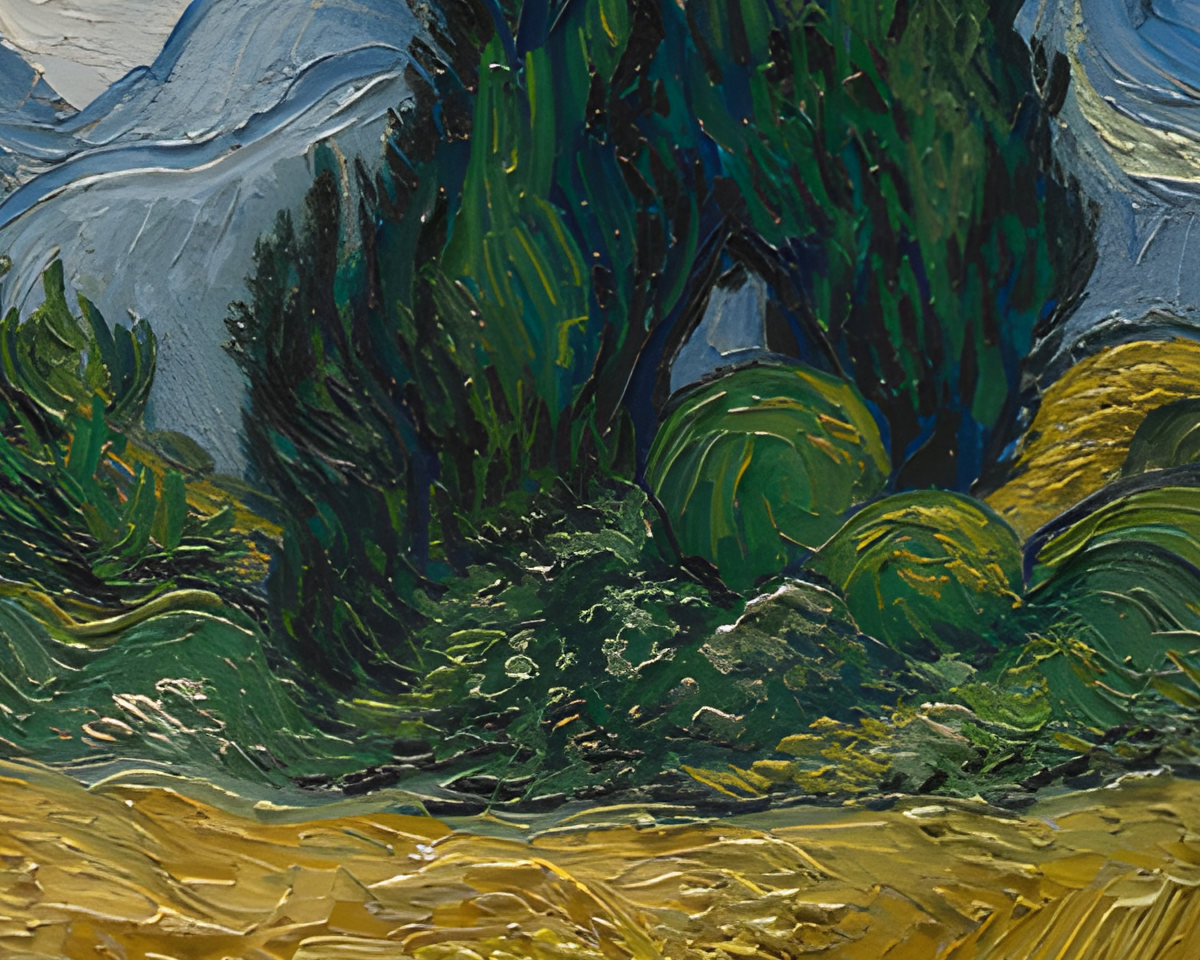
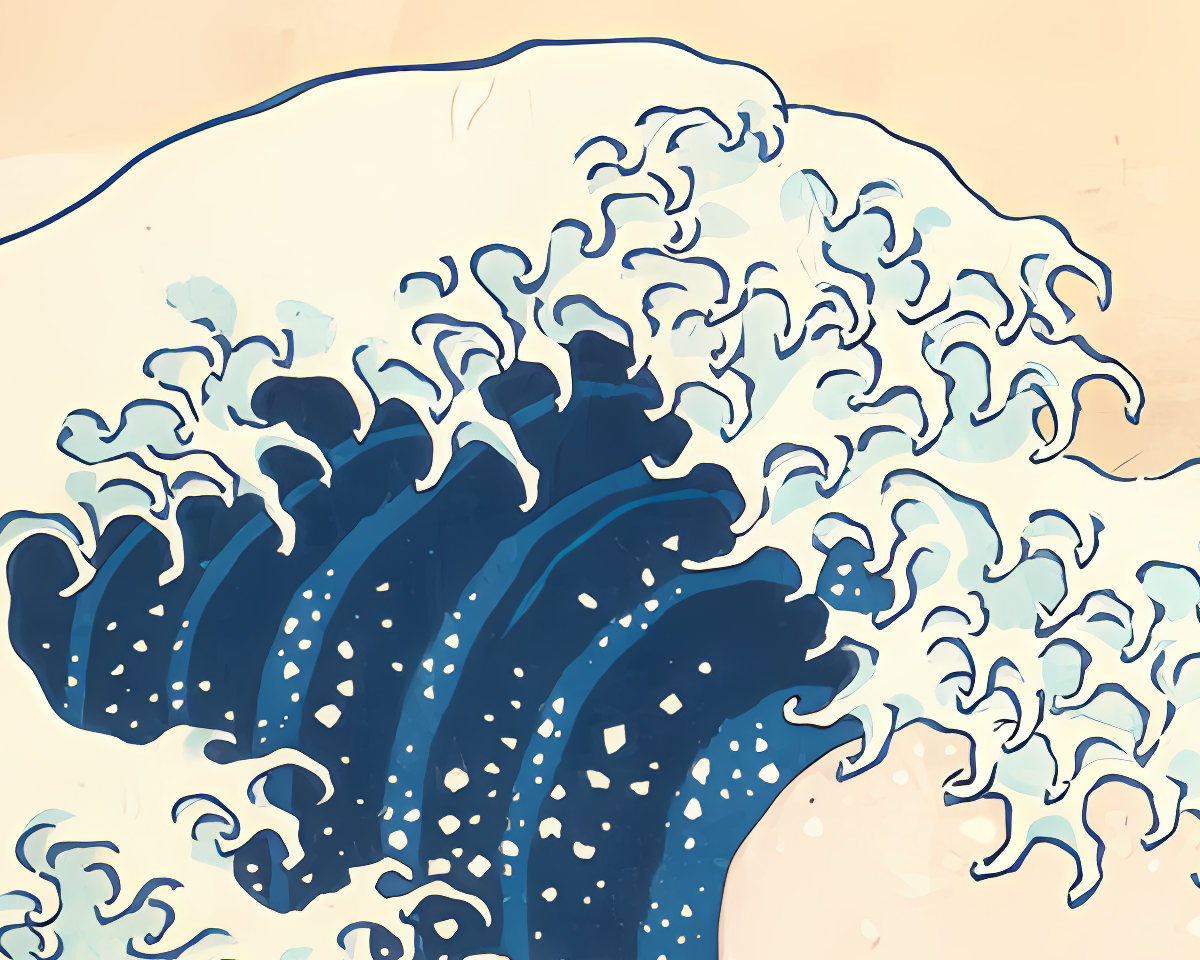
Drag in files or a whole folder. Or point the app at your Midjourney download folder and new images appear by themselves.
Upscale ×4, ×8 or ×16, remove the background if you want a cut-out, and pick JPEG, WebP or PNG.
Each file lands next to its original, named by what it is. Anything over Etsy's 20 MB limit is flagged.
Midjourney makes 1024 px squares and 896×1344 px portraits, and Upscale (Subtle) doubles that. Print shops want 300 pixels per inch. Here is what each size gets you on the long side.
| Your Midjourney image | ×4 | ×8 | ×16 |
|---|---|---|---|
| 1024 px square | 4096 px · 13.7 in | 8192 px · 27.3 in | 16,384 px · 54.6 in |
| 2048 px square, after Upscale | 8192 px · 27.3 in | 16,384 px · 54.6 in | Over the 32,768 px limit |
| 1344 px long side, 2:3 portrait | 5376 px · 17.9 in | 10,752 px · 35.8 in | 21,504 px · 71.7 in |
| 2688 px long side, 2:3 after Upscale | 10,752 px · 35.8 in | 21,504 px · 71.7 in | Over the 32,768 px limit |
Inches are the long side at 300 DPI. A 24×36 in poster needs 10,800 px on the long side. Large prints viewed from a distance are often fine at 150–200 DPI. Etsy print sizes and ratios, in full →
| AlphaUpscale | AlphaUpscale | Web upscalers | Topaz Gigapixel |
|---|---|---|---|
| Where your art goes | Stays on your PC | Uploaded to their servers | Stays on your PC |
| Price | $29 a year or $4 a month | Monthly plans, often with credits | $149 a year |
| Limit per month | None | Usually 100–500 images | None |
| Print-ready export | 300 DPI, sRGB, full-colour JPEG | Varies by tool | General export settings |
| Etsy 20 MB check | Every file is checked | Only Etsy-specific tools | No |
| Background removal | Built in, at full resolution | Often a separate tool or plan | No |
Based on the vendors' published plans in September 2026. Check their pages for current terms.
AlphaUpscale runs its AI on your computer's own graphics card. Nothing you open in it is sent anywhere.
Images are read and written on your disk. There is no cloud processing step.
Try 20 images without signing up. A key from your purchase email unlocks the rest.
The app checks GitHub for updates and downloads its background-removal model from there once. After you enter a key, it also activates and periodically checks the license.
×8 and ×16 run the AI model twice. Many tools do one AI pass and a plain resize for the rest.
One model for paintings and detailed art, one for flat digital art and anime.
JPEG at quality 88–95 with full colour detail, sRGB profile and 300 DPI written in. Or WebP and PNG.
Files over the limit get a red mark. Nothing is shrunk or recompressed behind your back.
Cut out the main subject at full resolution, with an edge-hardness slider and a live preview.
Drop hundreds of images, or let new Midjourney downloads add themselves.
Runs on Intel, AMD and NVIDIA, including the integrated graphics in recent laptops.
Re-adding a folder skips files already made. Your originals are never touched.
The whole app, including every hint, in both languages.
Run 20 images through it first. No card, no account.
or $4 / month
Two billing options with the same features.
Secure checkout by Stripe. Your key is usually emailed within a few minutes.
Download the app and run 20 of your own images through it. No account, no card.
Download for Windows$29 a year or $4 a month, on up to 3 computers you use yourself. Both plans have every feature and every update while subscribed. The first 20 images are free, with no account and no card.
Windows 10 or 11, 64-bit, with at least 8 GB of memory and a graphics card with a current driver: Intel, AMD or NVIDIA, including many integrated ones. On first launch the app checks your machine and tells you what it found.
It depends on the graphics card. On a laptop with AMD Radeon 890M integrated graphics, ×4 of a 1024 px image takes about 30 seconds and ×8 about 3 minutes. A desktop NVIDIA card is several times faster.
Upscale (Subtle) in Midjourney first, then ×4. A 2:3 portrait becomes 7168×10752 px: a 24×36 in poster at about 300 DPI, and every smaller frame size. Without the Midjourney upscale, ×8 gets you to the same size.
Yes. Upscaling always runs on your computer. Background removal needs its model, which the app downloads once on first launch. After activation the app checks the license every few days and keeps working offline for up to two weeks.
Not yet. Today it enlarges your image as it is and exports print-ready files; you crop to ratios in your editor. Ratio bundles are planned.
Email us within 14 days of buying for a full refund, no questions asked. The 20 free images are there so you can find out first.

The five ratio files Etsy wall art sellers ship, every common frame size in pixels at 300 DPI, and Etsy's limit of five files at 20 MB each.
Read →
remove.bg's own FAQ confirms it: the website closes on 1 December 2026, credits expire and the API moves to Leonardo.Ai. What changes and what to use now.
Read →
Midjourney tops out at 2048 px, a 6.8-inch print at 300 DPI. How much to enlarge for 8×10 to 24×36, which upscaler to use and how to export for Etsy.
Read →No account and no card. Buying sends a license key by email.
Download for Windows